iOS app
EasyPix PDF
Turn photos into clean PDFs in seconds.
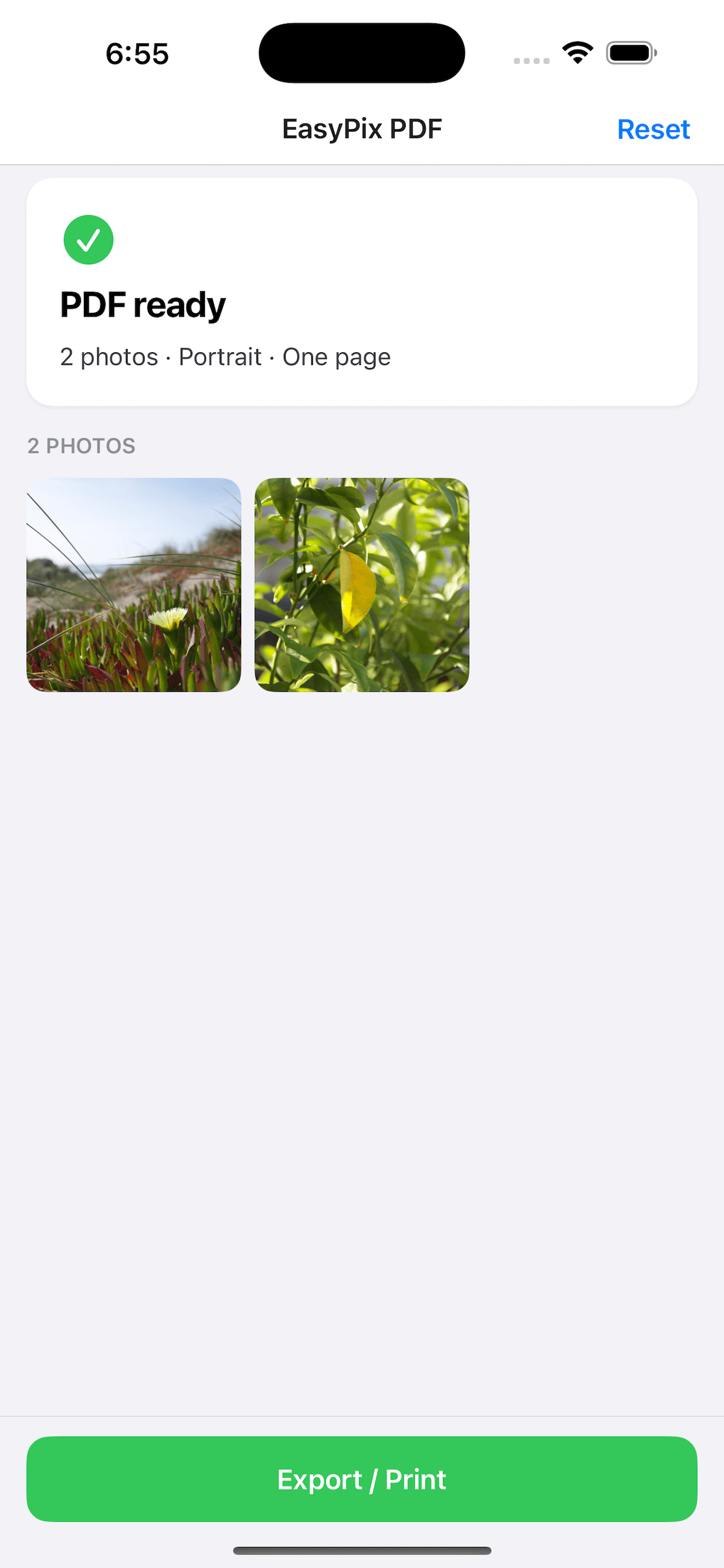
Auto-fit to one page, portrait or landscape, then share instantly. No sign-up, no clutter — just fast, simple conversion.
How it works
Three steps. Done.
The same simple flow every time — pick photos, set the page, share the PDF.
- 01
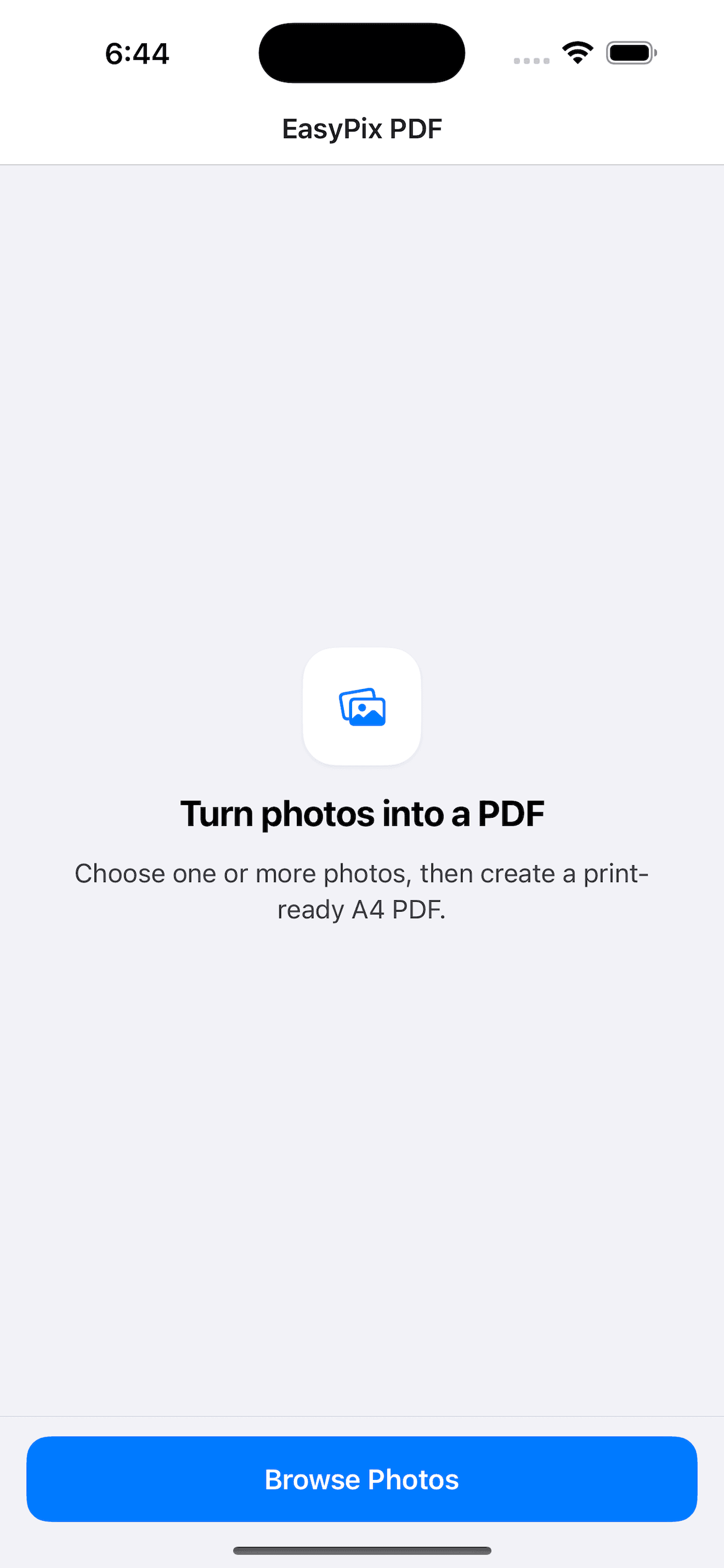
Browse photos
Pick one or more photos from your library — no account required.
- 02
Fit & arrange
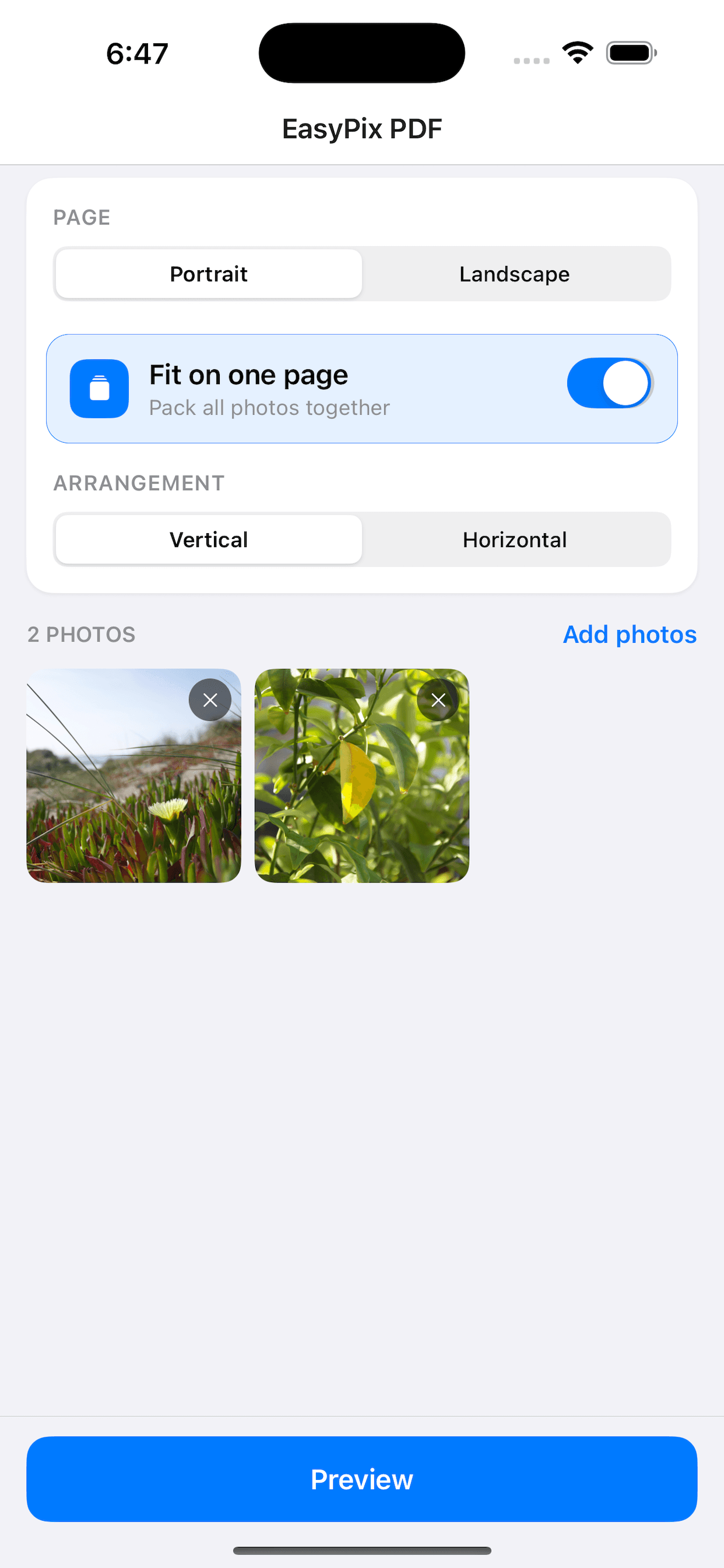
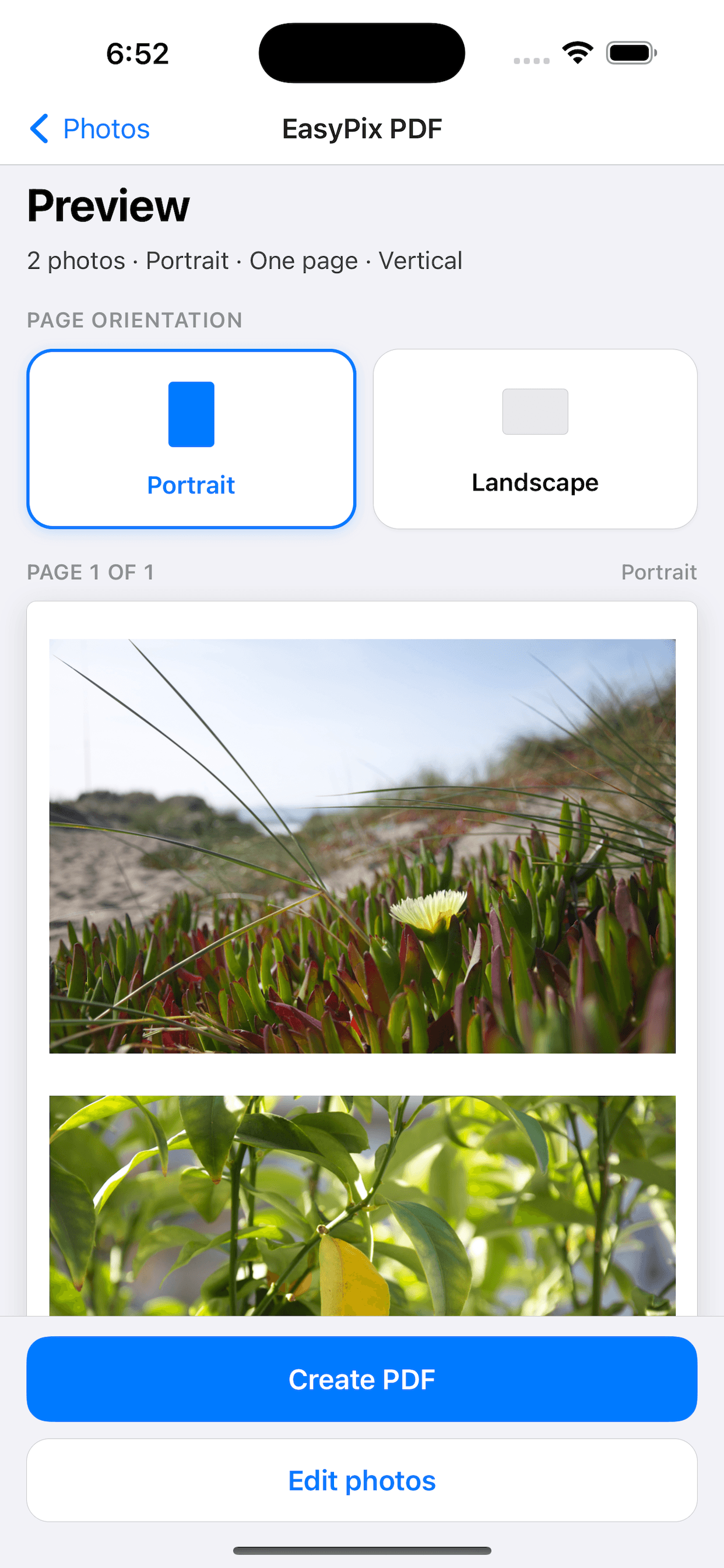
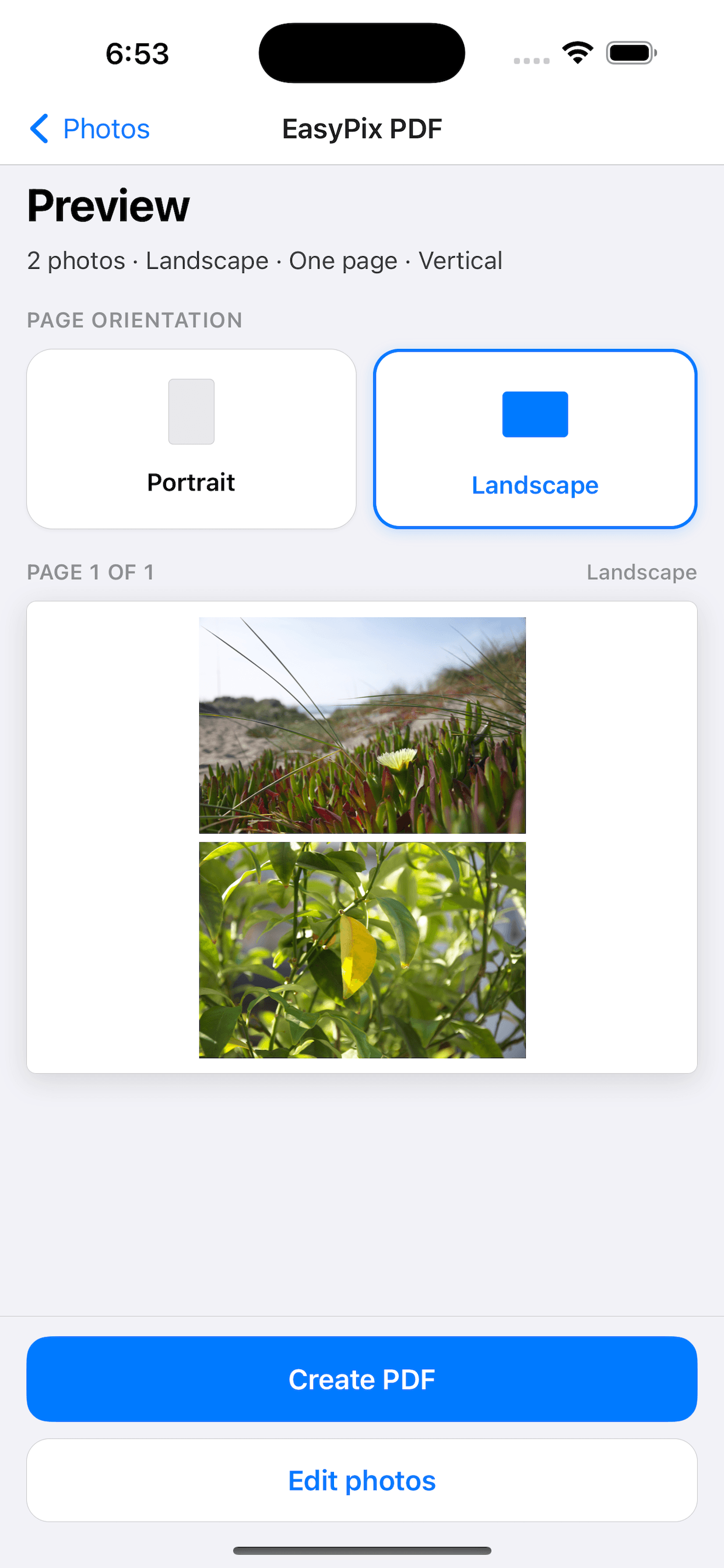
Choose portrait or landscape, auto-fit to one page, and set the layout.
- 03
Create & share
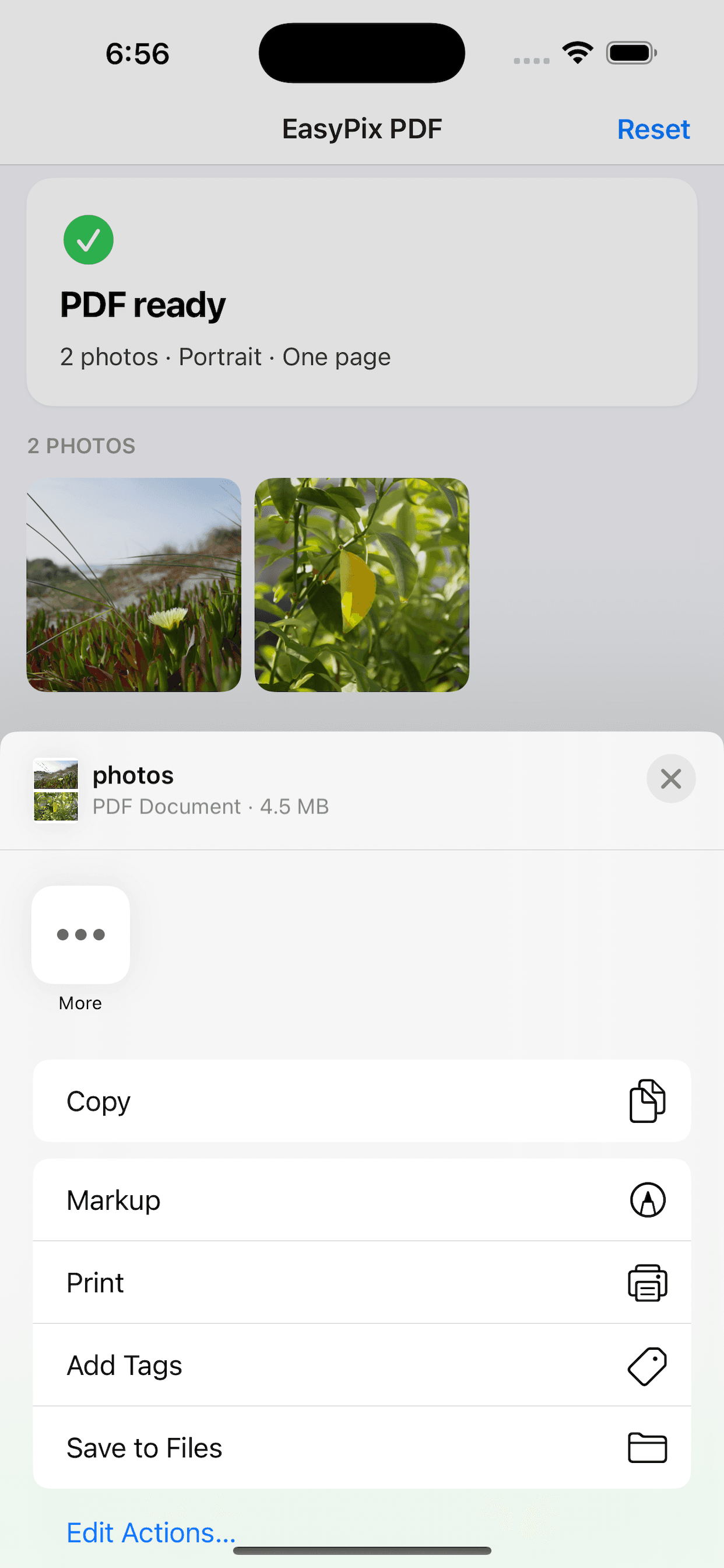
Preview your PDF, then create and share it instantly.
Features
Built for speed, not settings.
Auto-fit one page
Pack all photos together into a clean, print-ready page.
Portrait or landscape
Switch orientation in a tap to match how you want to share.
Instant share
Create a PDF and send it through the share sheet in seconds.
No account
No sign-up, no clutter — open the app and convert.