iOS app
In ReviewOphos Pro Camera
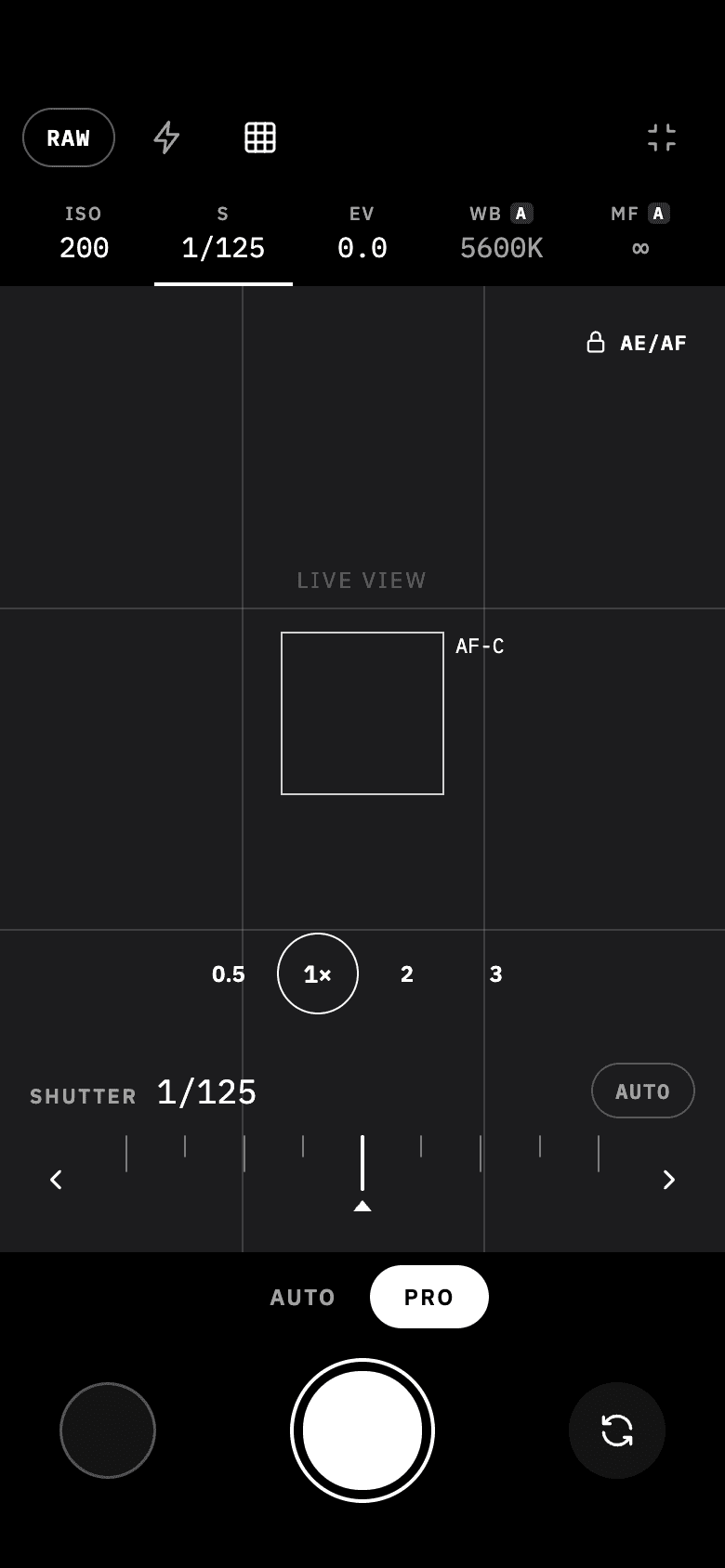
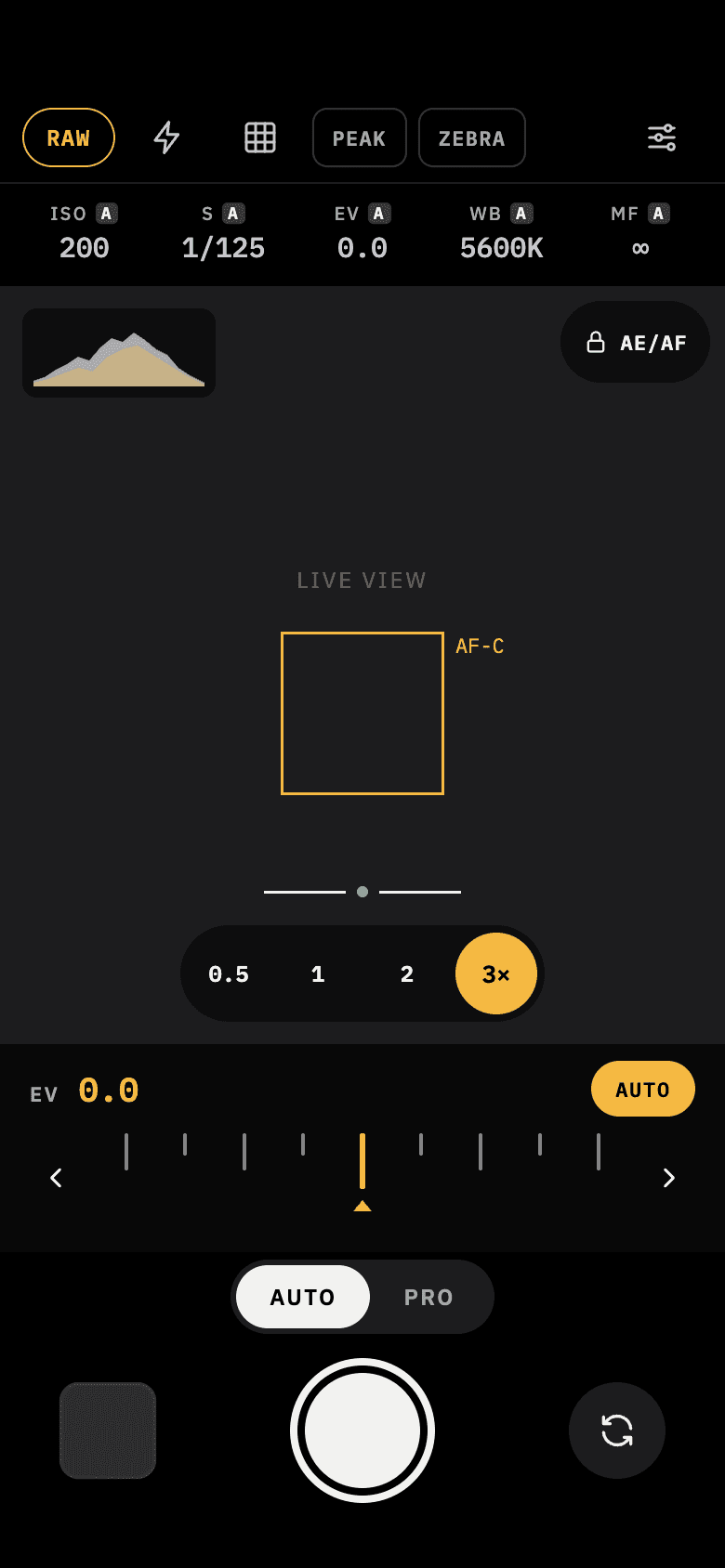
One camera. Three ways to shoot.
Minimal when you want simplicity.
Manual when you want control.
Retro when you want a different feel.
Switch between them mid-session. Your camera never resets.
App Store link coming soon.
How it works
One camera, three ways to see it.
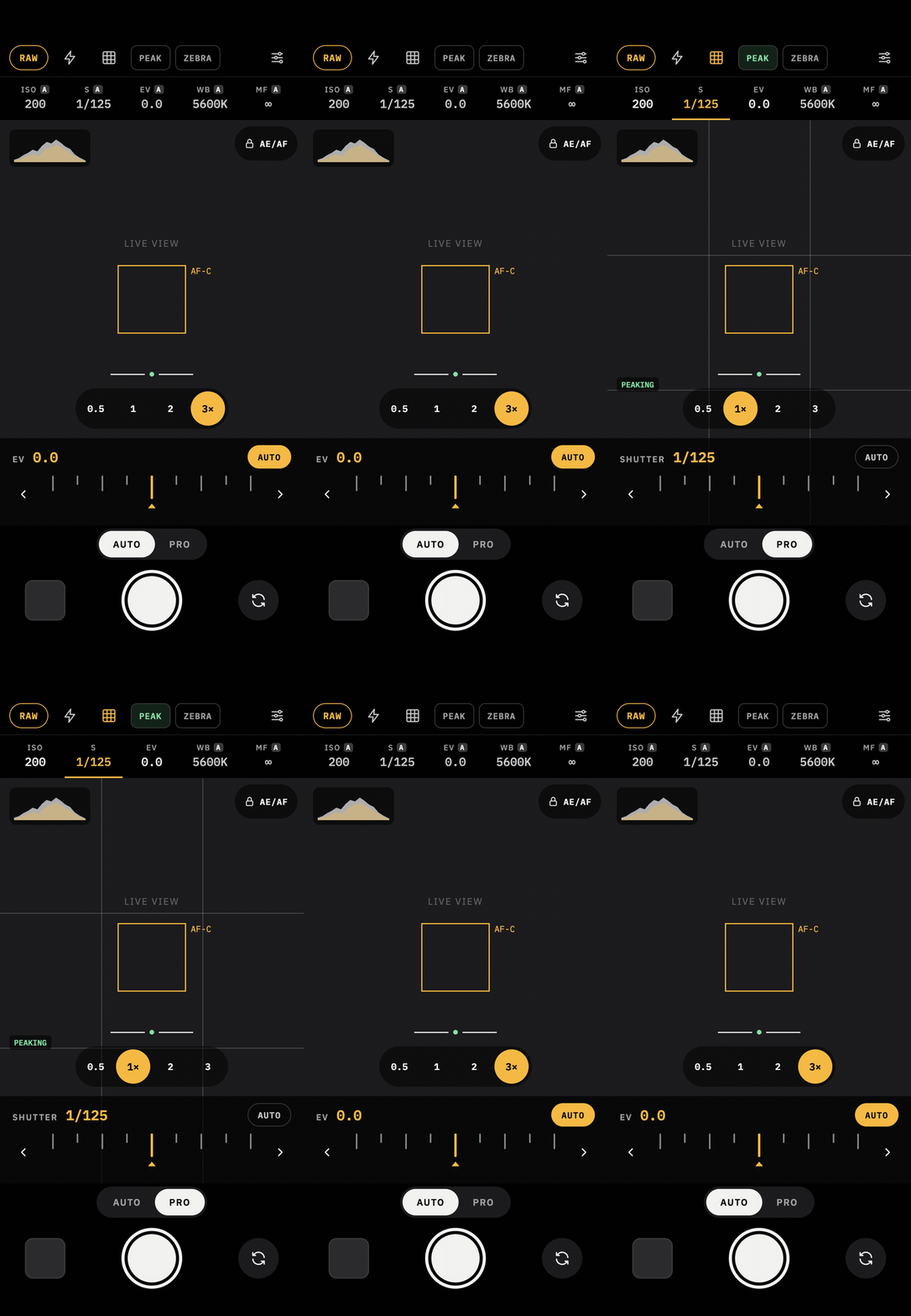
Every skin runs on the same capture session — switching never restarts it.
- 01
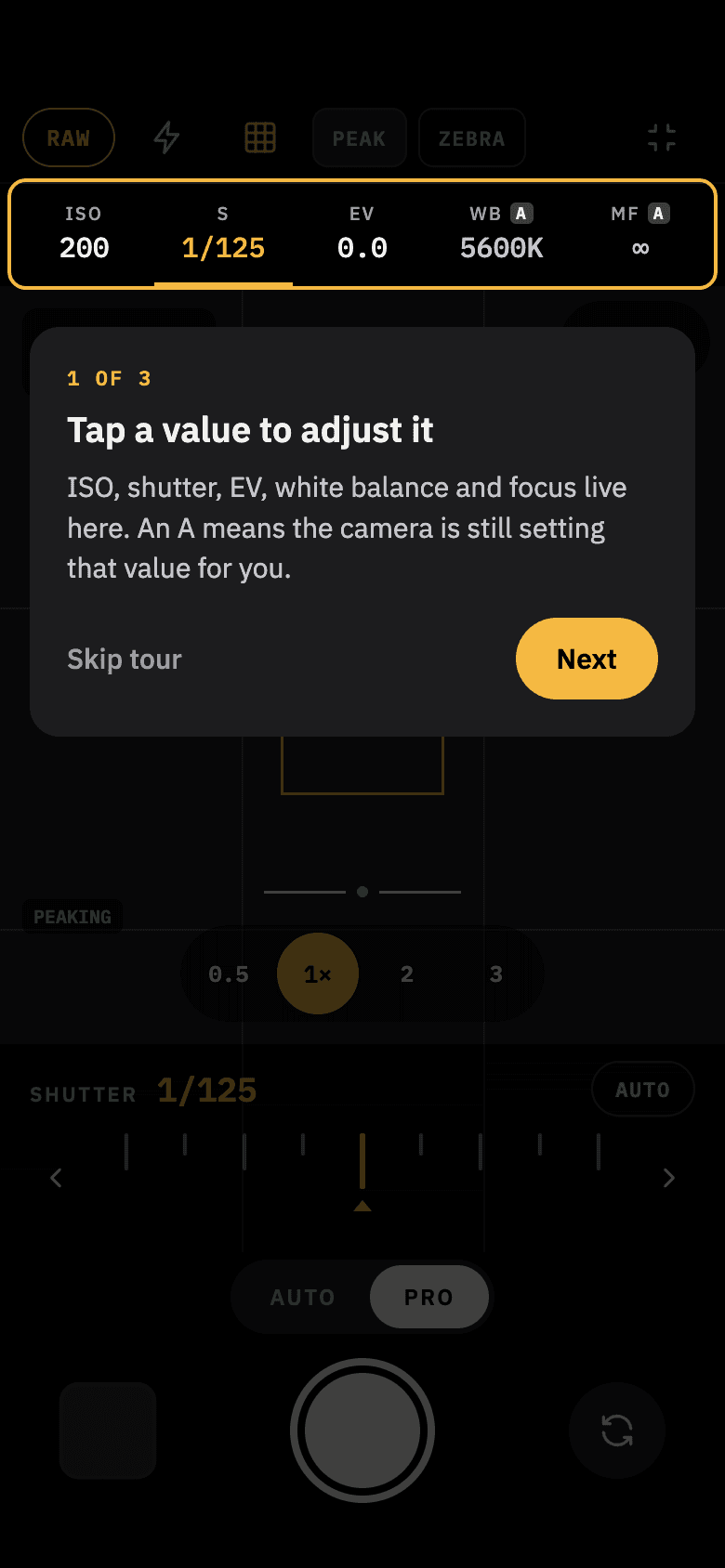
Learn on the live camera
No setup screens. The first-launch tour teaches you to adjust a value, turn the dial, and hide the controls — on your real camera, not a demo.
- 02
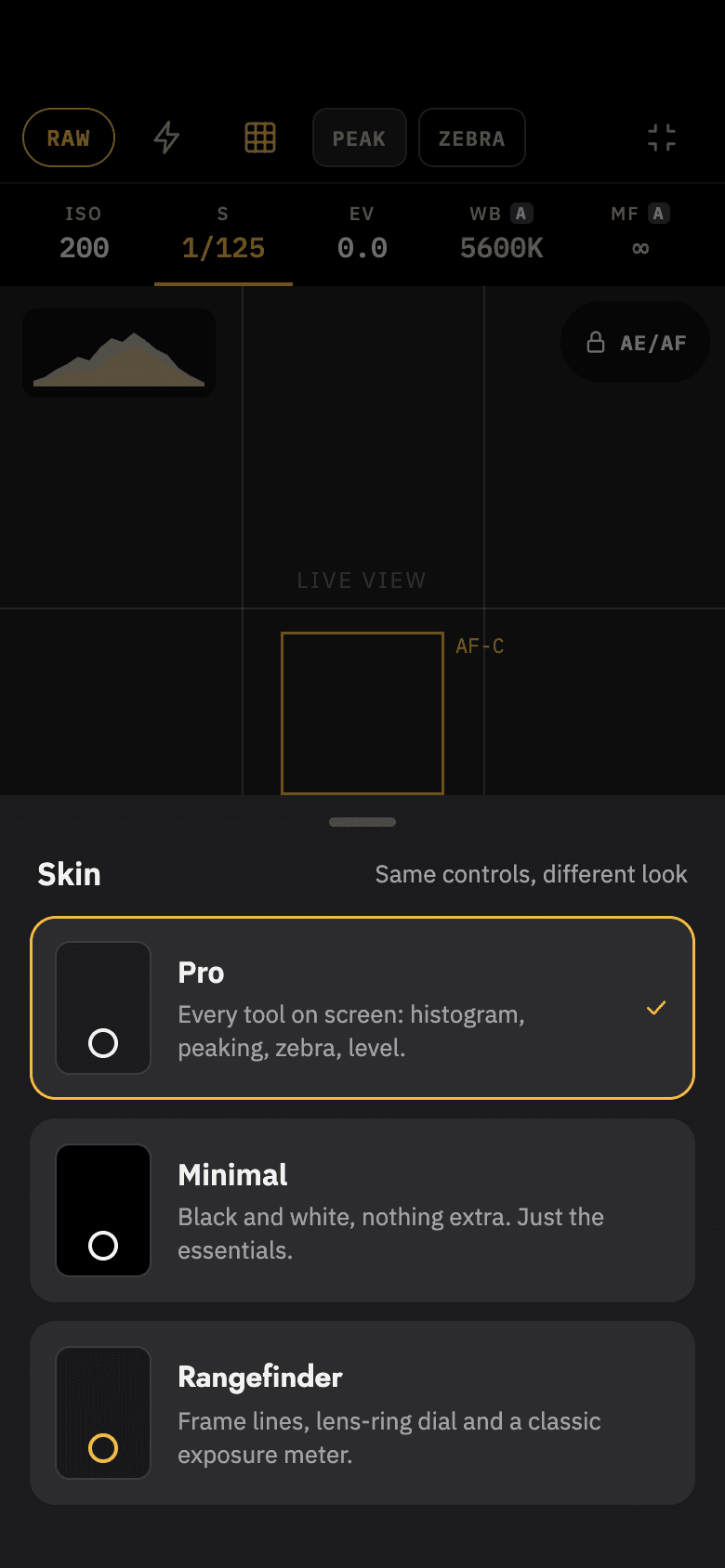
Pick how much camera you see
Tap SKIN to move between Minimal, Pro, and Rangefinder. Switching is instant and stays mid-session — your exposure lock survives it.
- 03
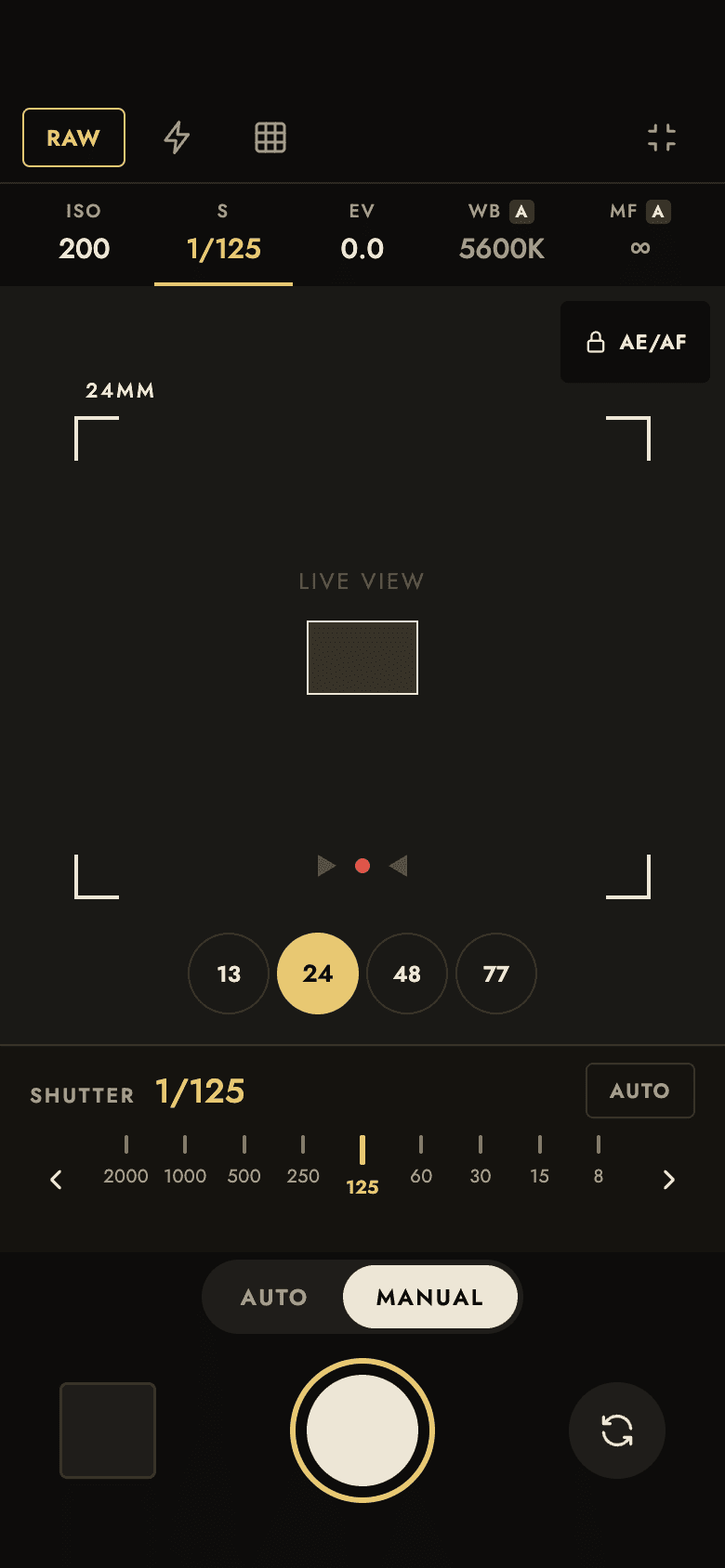
Shoot, and trust the save
ProRAW and processed images save together as one paired shot. If a save hiccup happens, your shot is cached and retried automatically.
Features
The real differences, not a settings toggle.
Zero-rebuild skin switch
Change your entire interface without the camera blinking — no restart, no dropped frame, no lost exposure lock, even mid-adjustment.
Manual really means manual
ISO, shutter speed, white balance, exposure bias, and focus are real hardware parameters — not a filter or a simulated slider.
Live histogram & zebra
A per-frame histogram and a Metal-rendered overexposure overlay while you frame the shot — not a filter, not a preset.
RAW, done right
ProRAW and processed images save together as one paired shot — if only one half succeeds, you still keep the photo.
A save hiccup doesn't cost you the shot
If the photo library can't be written to right when you shoot, the shot is cached on-device and saved automatically the next time you open the app.